Ledger and Trezor Mail Phishing in 2026: The Full Anatomy of Fake "Activation" Letters
In July 2020, Ledger’s Shopify marketing database was breached, leaking around 1 million emails and 270k entries containing full name, phone, and shipping address. Five years later that dataset is still circulating in the underground market, and 2025-2026 is now another cycle of heavy abuse. This wave is not just email — physical paper “activation letters” started arriving in mailboxes, replicated with enough precision to fool experienced hardware wallet users. This post starts from where the data came from, dissects three signature attack patterns, lists detection details, gives an emergency response plan, and ends with a long-term defence stance.
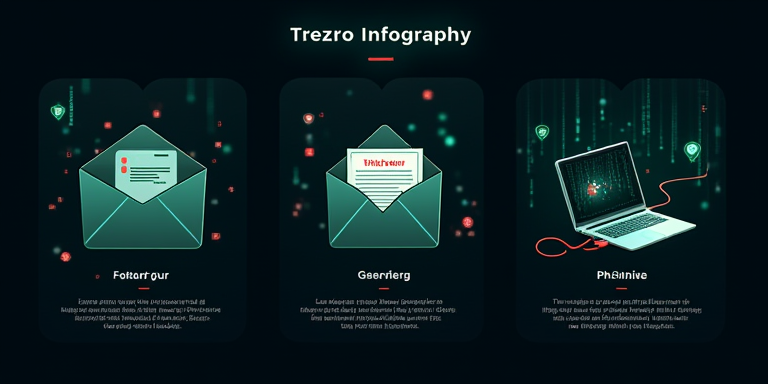
Where the data comes from: the long tail of the 2020 Ledger leak
Set the context first. The Ledger Shopify breach gave attackers more than just “an email that has Ledger”. It gave them a specific person, where they live, their phone number, and the fact that they use Ledger.
What makes this dataset uniquely dangerous:
- It precisely targets a high-net-worth crypto cohort — people who buy hardware wallets typically hold non-trivial balances.
- It includes physical addresses, enabling postal attacks, not just email.
- The data ages slowly — names and addresses change far slower than passwords; five years later most entries are still valid.
In 2026 the dataset remains widely available, sold cheaply on underground forums. That is why all three patterns below land so well.
Pattern one: email phishing, fake “activation verification”
Still the most common, tens of thousands of emails per month through 2025-2026. A canonical example:
- From:
[email protected]/[email protected]/[email protected]— typo-domains. - Subject: “Important: Verify Your Ledger Device Before Firmware Cutoff”.
- Body: claims security upgrade requires all Ledger devices to undergo “activation verification” by a date, otherwise the device will be disabled.
- Link to a lookalike
ledger.comdomain (ledger-secure.com, ledger-verify.com, etc.). - Site demands the 24-word recovery seed to “reactivate”.
Detection points:
| Field | Real email | Phishing email |
|---|---|---|
| Sender domain | ledger.com / trezor.io | Typo, hyphenated, or letter swap |
| Core ask | Never asks for the seed phrase | Always asks for the seed phrase |
| Time pressure | None | Strong — “within 48 hours”, “immediately” |
| Link | ledger.com subdomain | Lookalike domain |
The single rule: Ledger and Trezor will never ask you for your 24-word seed phrase through any channel. Any such ask, ignore.
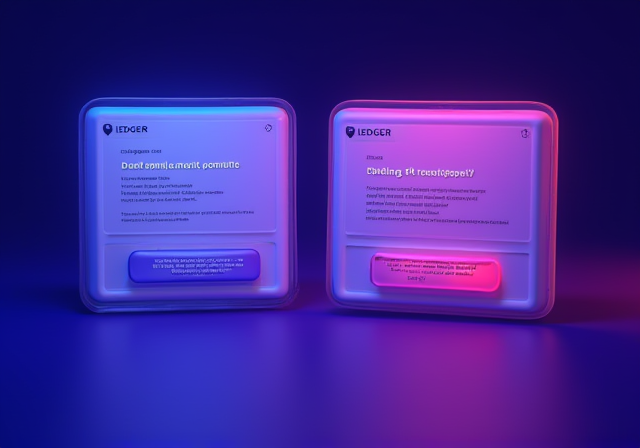
Pattern two: physical paper letters and counterfeit packaging
Started appearing late 2024 and matured through 2025-2026. This pattern is expensive (printing plus postage) but highly targeted with large per-victim returns.
A typical mailing contains:
- A glossy info card with Ledger or Trezor branding, paper stock and typography close to the real thing.
- A “Security Upgrade Notice” letter informing the user their device was reported to have a security flaw and needs reactivation.
- A scratch-off card or QR code, scanning to a lookalike ledger.com clone.
- High-end versions even ship a counterfeit “brand new Ledger Nano X” — but its firmware is pre-loaded with malicious code that exfiltrates the seed phrase during setup.
The most dangerous variant is the “gifted device” — some recipients, curious, actually initialise the new unit and migrate their existing main-wallet seed into it. That is handing the private key directly to the attacker.
Detection points:
- Official manufacturers never push devices to you unsolicited. Every Ledger and Trezor must originate from your own order to the official store or an authorised reseller.
- Genuine units arrive with anti-tamper seals, queryable serials, and the device initialises in your own hands.
- A “gifted” hardware wallet is malicious by default, regardless of packaging quality.
The largest documented case (Europe, 2025): a recipient received a “replacement device” from “Ledger Customer Care”, migrated their seed, and 1.8M USD was drained within 72 hours.
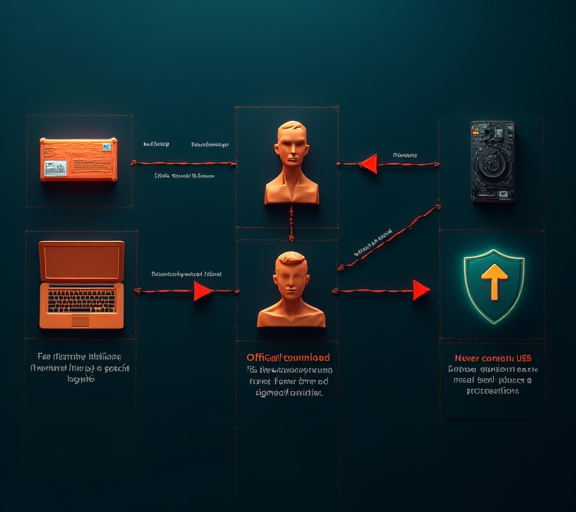
Pattern three: malicious firmware updater plus USB device implant
A more sophisticated tier. The attacker combines the previous two — ships a counterfeit device with a “dedicated USB upgrade cable” and asks the user to connect to a computer to download a specific “driver”.
The cable or driver carries:
- Keyloggers capturing all wallet passwords and email passwords on the host machine.
- A modified Ledger Live binary that hijacks signatures and redirects to attacker addresses during routine use.
- In some versions, a BadUSB-class implant in the cable’s USB controller firmware that survives an OS reinstall.
Defences:
- Download every piece of software from ledger.com / trezor.io directly, never from a link in the package or via the provided USB.
- Be suspicious of any “must use the supplied tool” demand.
- An unsolicited USB device never gets plugged into a real machine.
The hardware wallet supply-chain risk writeup goes deeper into the supply-chain dimension of fake devices and is the natural follow-up to this section.
Emergency response if you have already been hit
If you have already typed the seed into a phishing site, or used an unknown device or USB, act in this order:
- Move every asset out immediately to a brand new wallet whose seed was generated on a known-clean device — this is a race against the attacker measured in minutes to hours.
- Generate the new seed on a fresh device that has never touched the infected machine — ideally a freshly purchased, self-initialised hardware wallet.
- Revoke every outstanding approval: walk each chain using the methods in the Etherscan explorer guide.
- Rotate every related credential: exchange logins, email, Apple ID / Google account — the attacker likely has the full identity chain.
- Preserve on-chain evidence: screenshots, tx hashes, timeline. Report to Chainalysis, SlowMist, and similar — partial recovery via exchange freezes happens.
- File a police report and consult counsel: cybercrime units in most jurisdictions will accept a case at this size.
Shorter time-to-action wins. The whole sequence should start within one hour of discovery.
Long-term posture: break the “hardware equals safe” reflex
The most common attitude toward hardware wallets is “I bought a Ledger, I’m safe”. That very attitude is the attack surface this phishing class exploits — trust in the brand. A healthier long-term posture:
- A hardware wallet reduces the probability of key exposure, it does not eliminate it.
- Any “official” outreach asking, reminding, or remediating is suspect by default; verify independently from ledger.com / trezor.io.
- High-net-worth assets are split across two different brands of hardware wallets and multi-signed — a single-brand failure doesn’t take everything.
- Accept that email, phone, and address have already leaked, so email and letters do not constitute trust on their own.
- Read hardware wallet supply-chain risk and MetaMask phishing defence together for a more complete hardware-layer threat model.
The cost of trust is repeated verification
The hardest part of phishing is not the technology — it is the psychology. Attackers replicate authority so well that verification starts feeling redundant. The 2026 reality is the opposite: any channel asking you to take a critical action does not deserve default trust, regardless of how official it looks. Ledger does not mail devices unprompted. Trezor does not email asking for the 24 words. There is no USB upgrade that cannot be downloaded from the official site. Burn those three sentences in, and a five-year-old data leak stops becoming today’s loss.